
Appearance
Usage and credits
This guide covers both sides of spend: your own Usage stats and the Billing balance under Workspace settings, and — for Joltuar staff — granting credits to an organization from the Admin panel.
Steps
1. Open Workspace settings → Billing
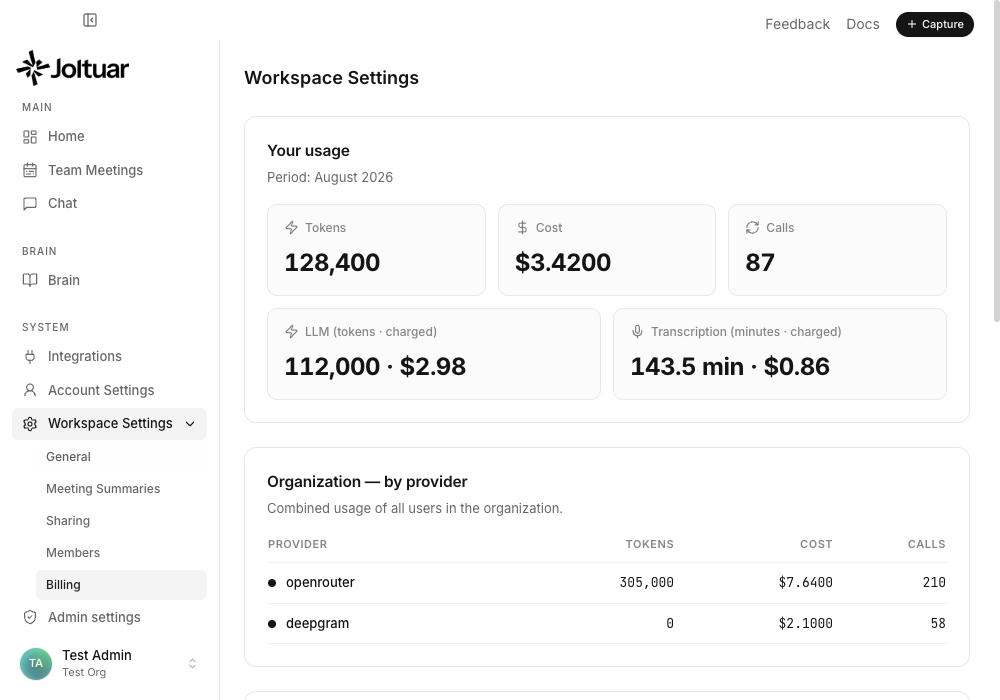
Workspace Settings → Billing shows your usage stats and the workspace credit balance.
2. Review this month's usage
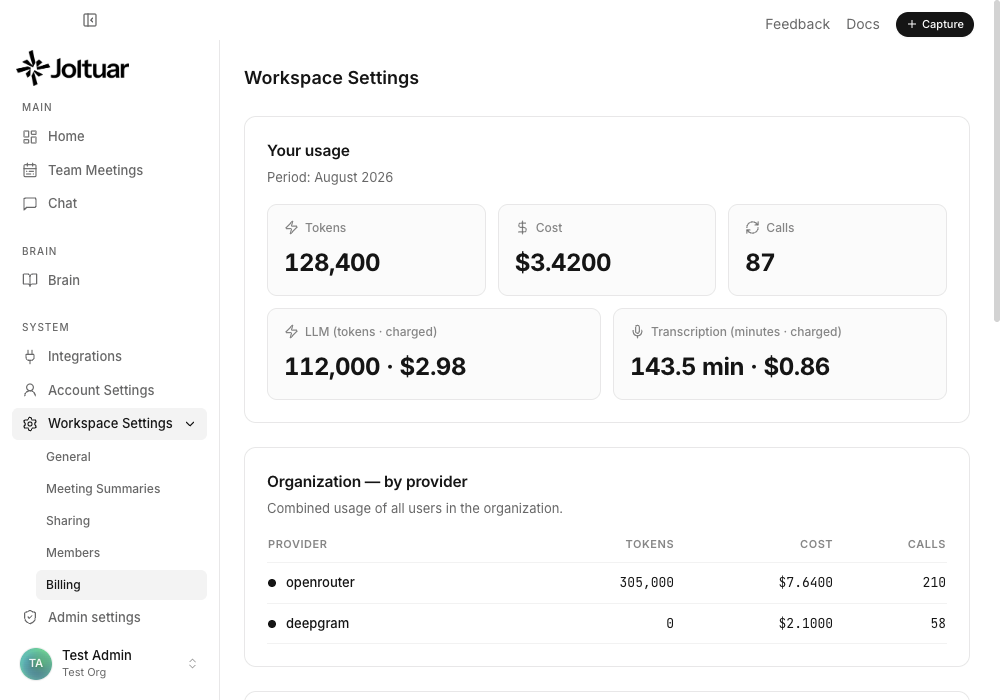
Your usage this month — tokens, cost, and number of calls — broken down by LLM and transcription underneath.
3. Check the workspace balance
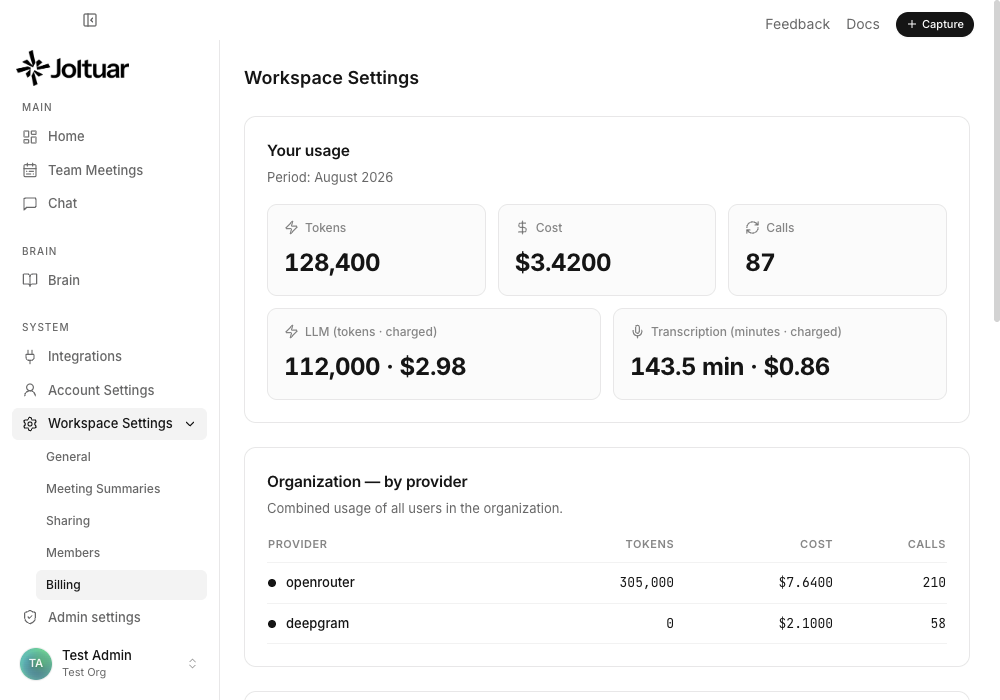
The workspace credit balance funds every LLM call and (when enabled) transcription.
4. Open Admin → Credits
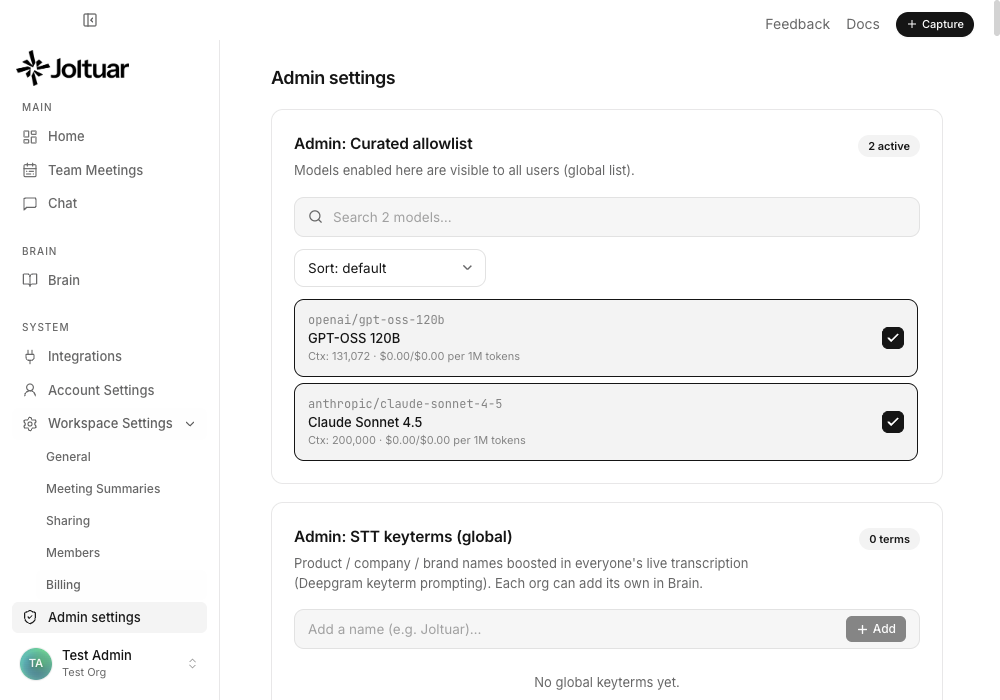
The Admin Credits card lets Joltuar staff grant (or dock) credits for any organization.
5. Pick an organization and grant credits
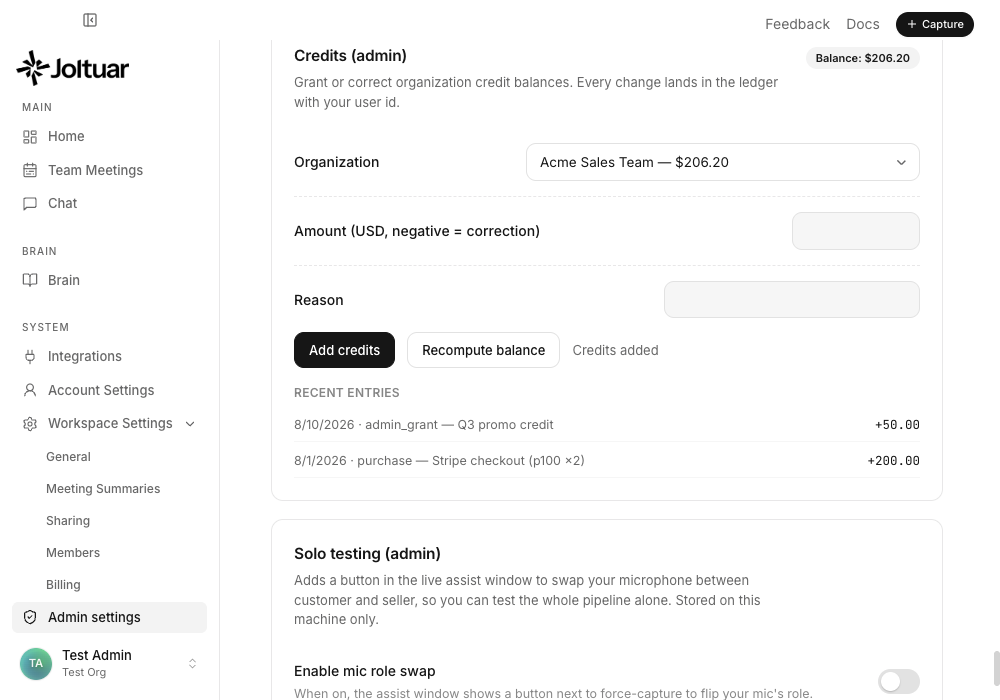
Choose the organization, enter an amount and a reason, then "Add credits".
6. See the updated ledger
The recent-activity ledger reflects the new grant immediately.