
Appearance
Account Settings
This guide shows the Account Settings screen: a single flat page — your profile, the conversation language, how your calls are transcribed, the app version, and a collapsible "Advanced" group for audio and diagnostics.
Steps
1. Open Account Settings
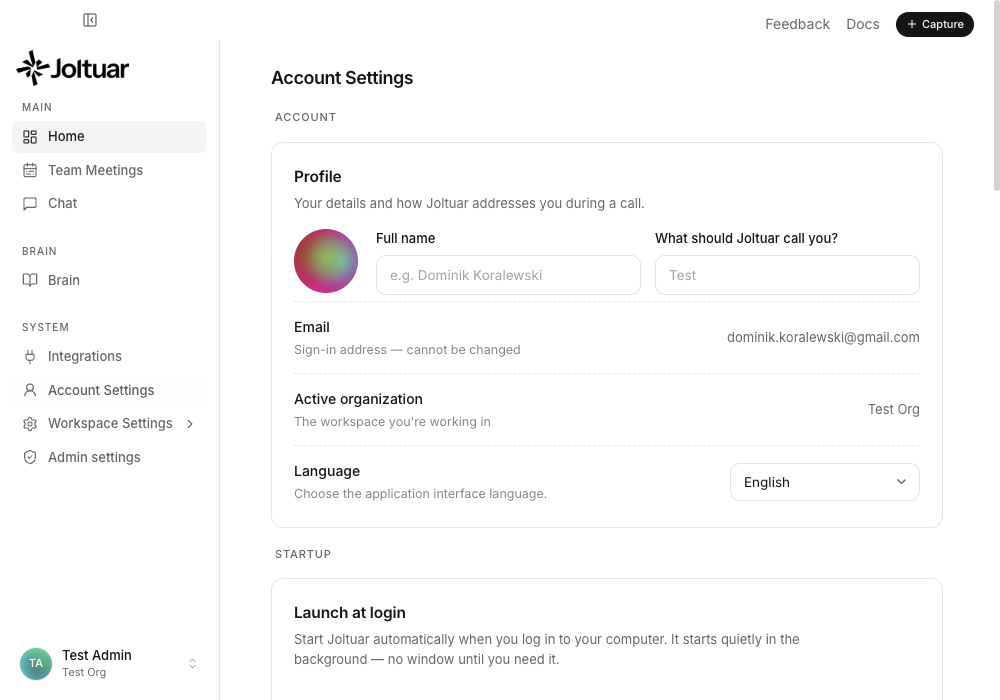
Account Settings is a single page — no tabs. Your profile, organization and interface language sit at the top.
2. Conversation language
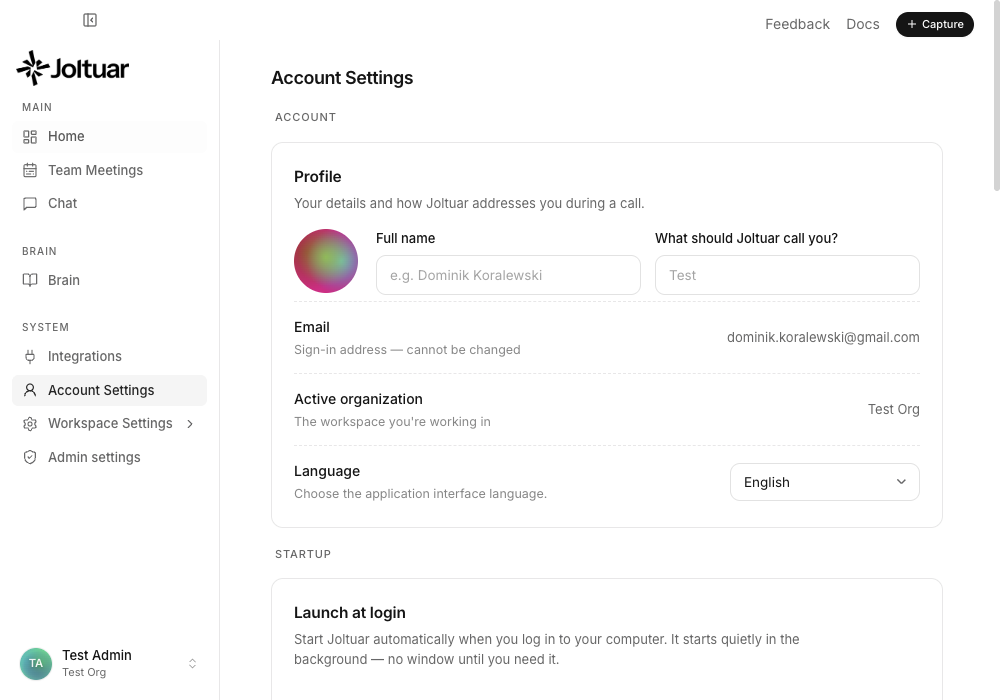
Further down, "Conversation language" sets the language used for transcription and hints during a call.
3. Transcription — live, or only after the call
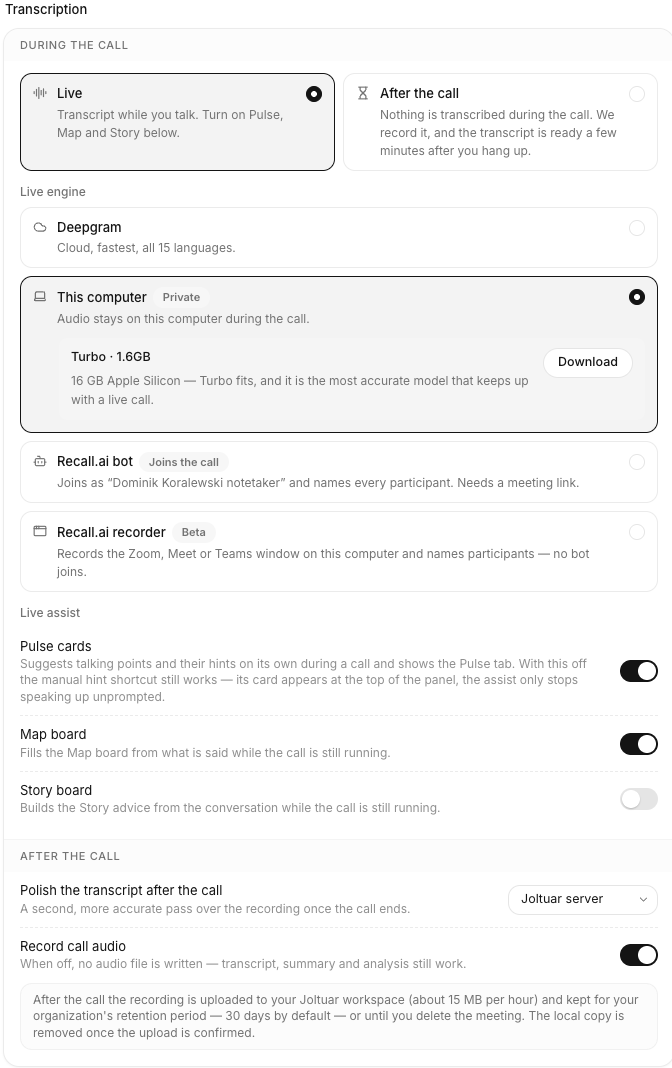
"Transcription" decides when your calls become text and who does the work.
- Live transcribes the call while it runs, so the assistant can help as you talk — turn on Pulse, Map and Story right below. Pick the live engine: Deepgram (cloud, fastest), This computer (the audio stays on your Mac during the call), a Recall.ai bot that joins the meeting as a participant and names everyone, or the Recall.ai recorder when your workspace has it. Outside English, Recall's live transcript lags a few minutes behind — the option says so.
- After the call transcribes nothing during the call: Joltuar records it and the transcript is ready a few minutes after you hang up. Choose who makes it: the Joltuar server (recommended — works even with the app closed), Deepgram, This computer, a Recall.ai bot or the Recall.ai recorder. The meeting page shows "Transcribing after the call…" until it lands, and the summary follows on its own.
With live transcription on, "Polish the transcript after the call" picks the engine for a second, more accurate pass over the recording. "Record call audio" lives here too; the after-the-call mode needs it and turns it on.
4. Expand Advanced settings
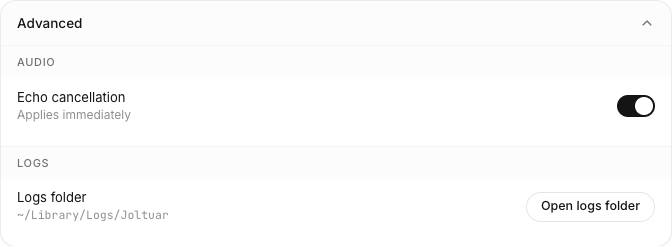
The "Advanced" group is collapsed by default. Opening it reveals echo cancellation and the diagnostic logs.