
Appearance
Sending feedback
This guide shows how to send feedback to the Joltuar team directly from the app — open the Feedback panel from the top bar, type a message, and submit it.
Steps
1. Open the Feedback panel
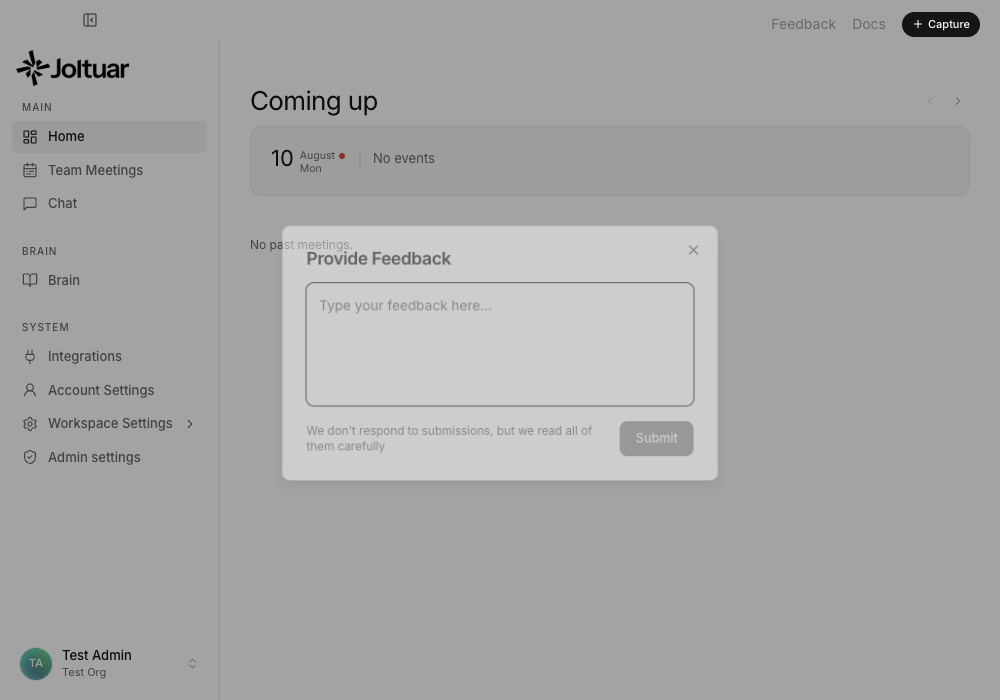
Click "Feedback" in the top-right corner, from anywhere in the app.
2. Write your feedback
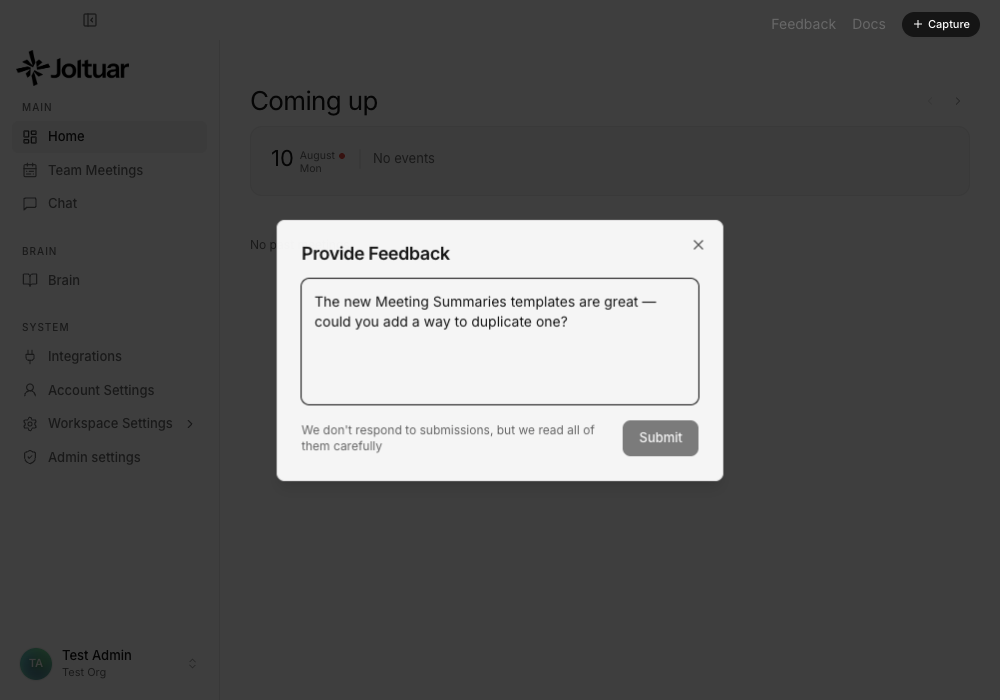
Type anything — a bug, an idea, or a request. There is no wrong answer.
3. Submit
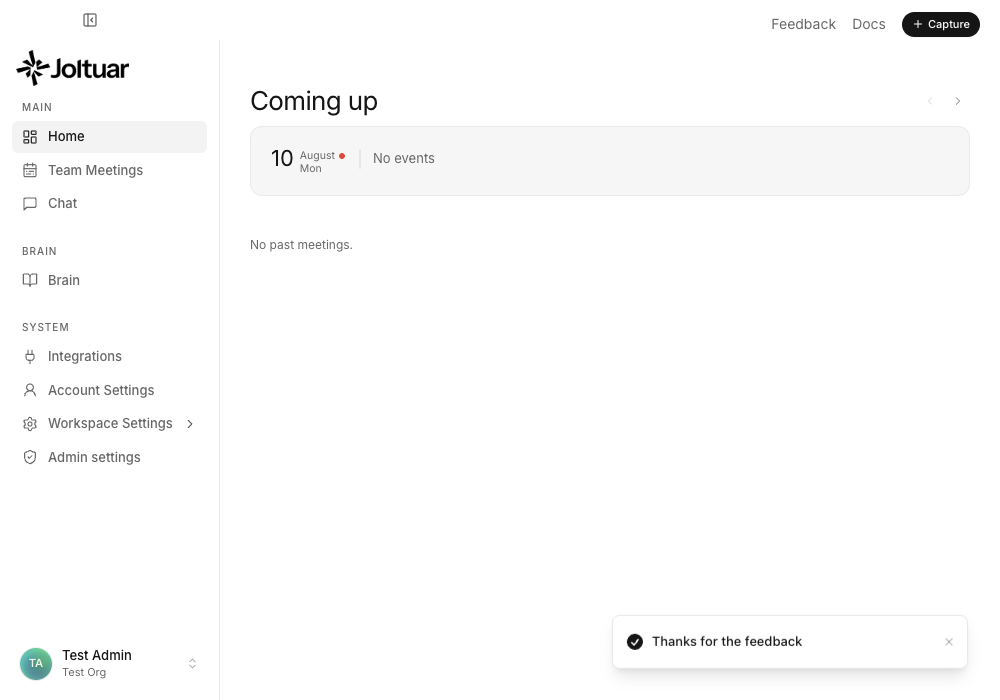
Submit sends it straight to the team — you'll see a confirmation toast and the panel closes.