
Appearance
Managing LLM models as an admin
This guide shows the Joltuar-staff admin controls for LLM models — enable or disable a model on the platform allowlist, pin a specific model to one task, and set the global default every client falls back to.
Steps
1. Open Admin settings
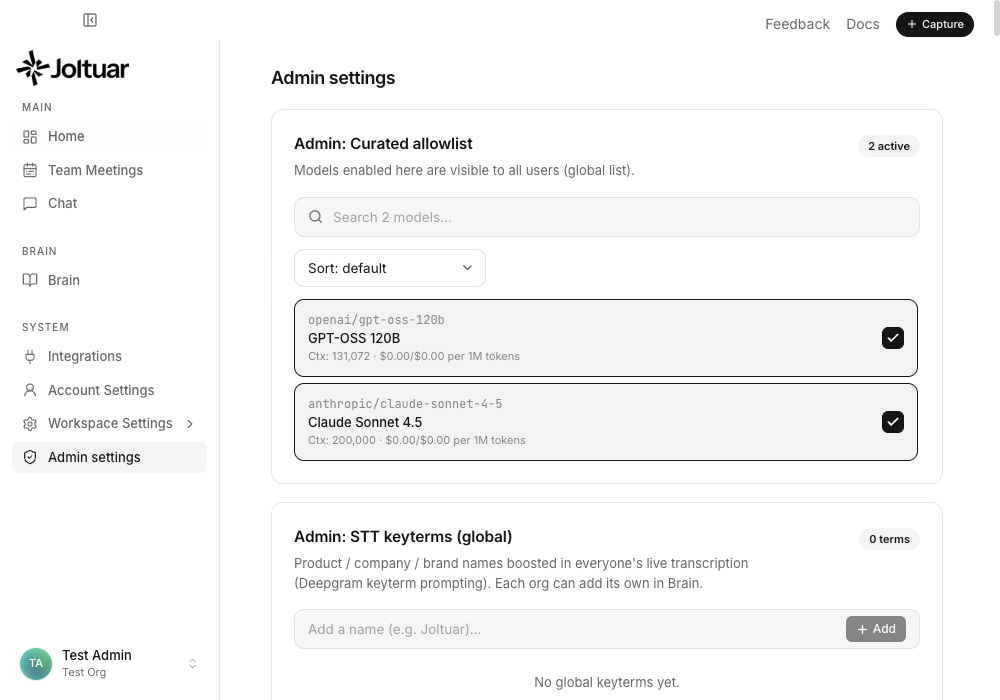
Admin settings is a Joltuar-staff-only panel — once your account is on the admin allowlist, open it from the account menu at the bottom of the sidebar (Admin portal, right above Sign out).
2. Disable a model on the allowlist
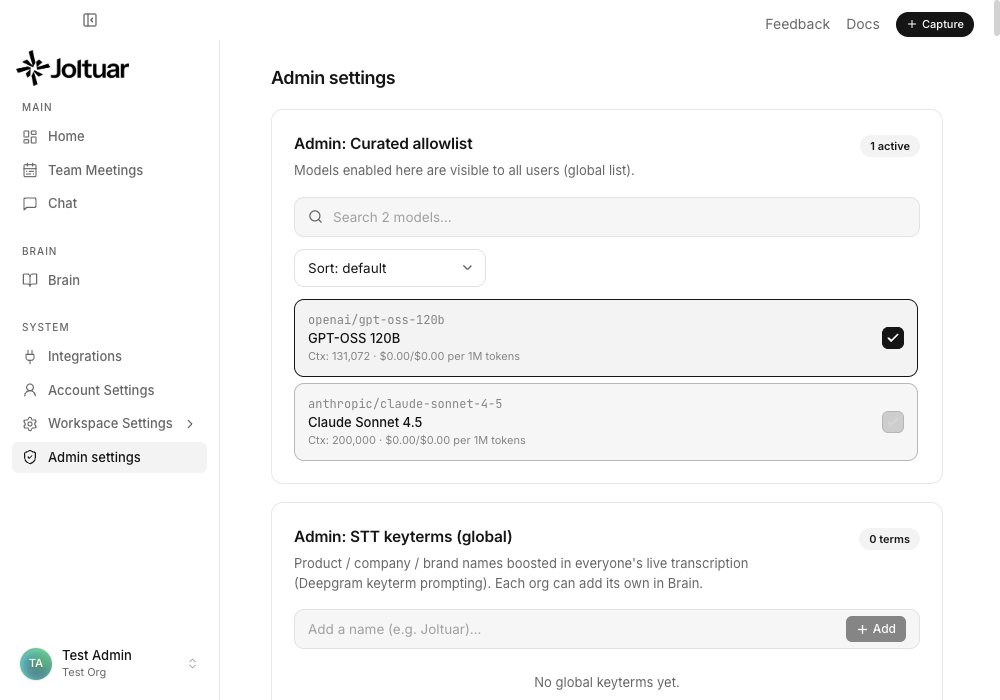
The allowlist controls which models are available at all — unchecking one removes it from every model picker across the platform.
3. Pin a model to a task
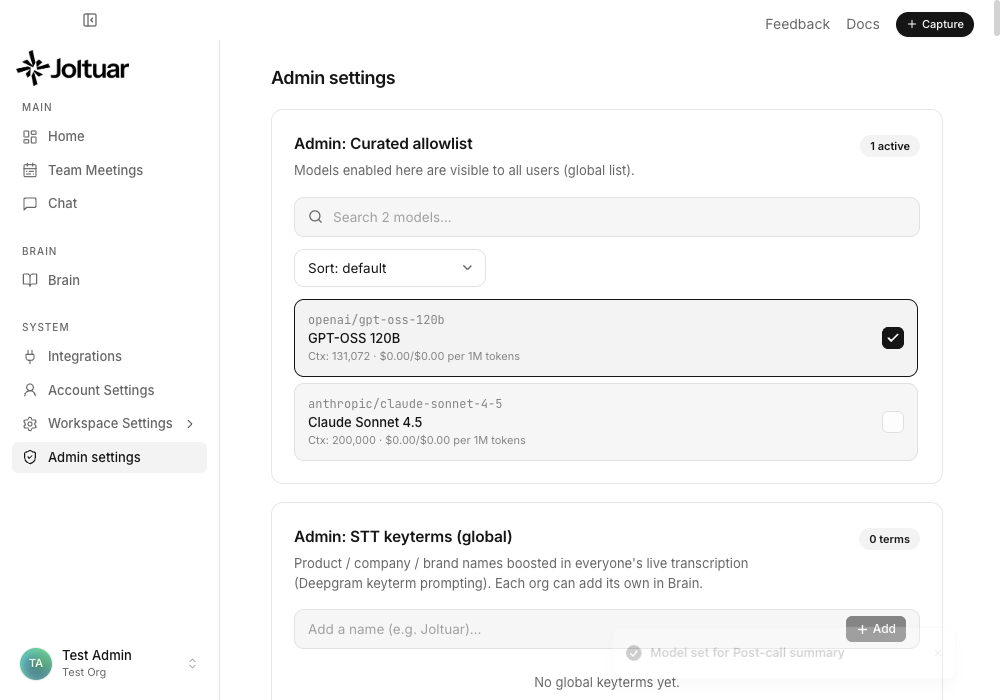
Per-task models beat every other selection for that task, for every client — here, Post-call summary is pinned to a specific model instead of "Auto".
4. Set the global default model
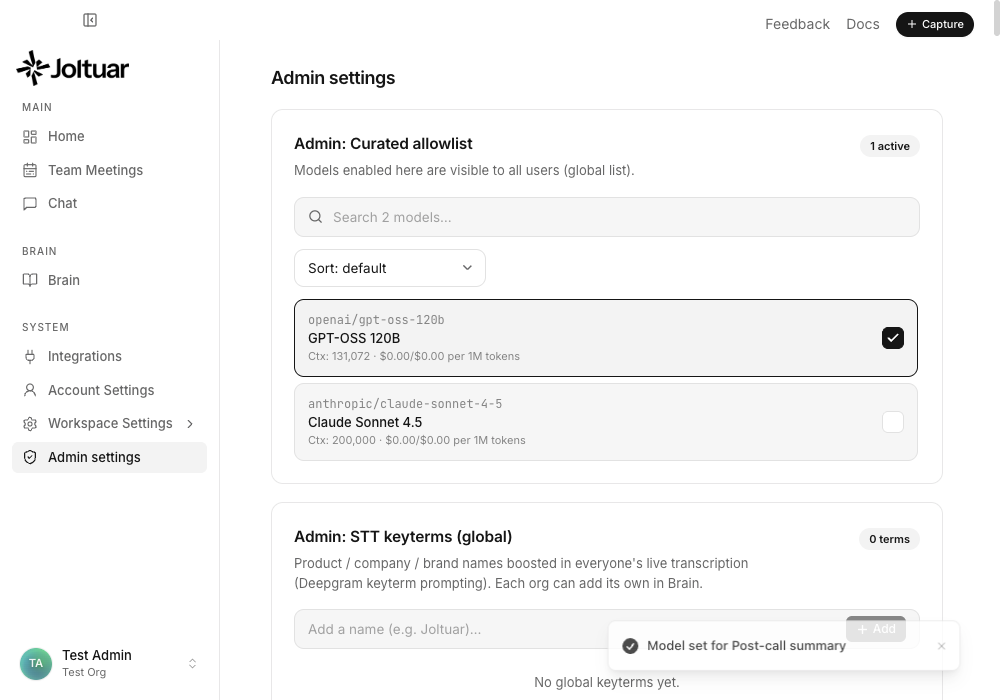
The global default is the fallback every user resolves to when they have no model of their own selected.
5. Confirm the choices persist after leaving and returning
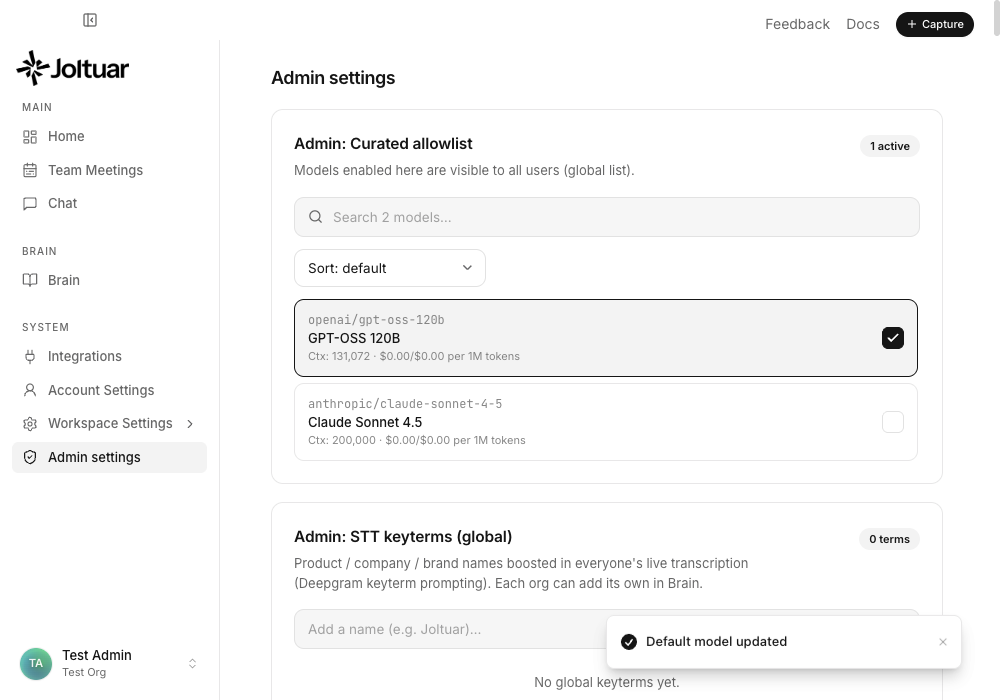
Leaving and coming back to Admin settings shows the exact same state — it stuck.