
Appearance
Teaching Joltuar your names
Sales calls are full of product names, company names and competitors that generic speech-to-text often mishears. Joltuar lets you hand it that vocabulary up front: add the names your conversations use and they are fed to the transcription engine, so your transcripts — and every hint built from them — spell them correctly instead of guessing. Each workspace keeps its own list in the Brain, and the names take effect in both the desktop app and browser meetings.
Steps
1. Open the Brain
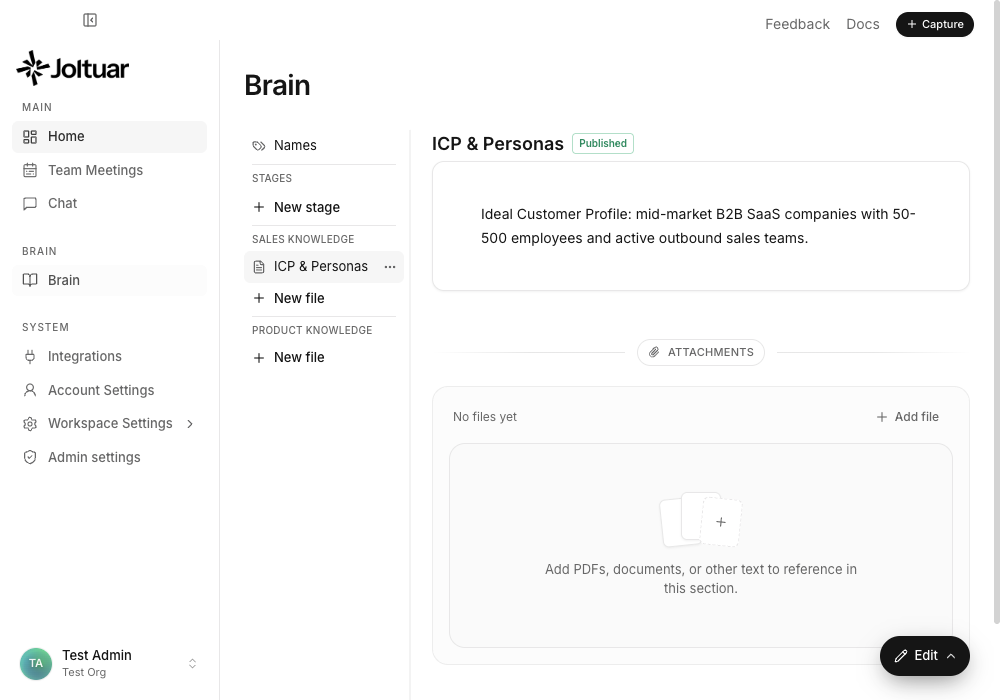
Recognized names live in the Brain, alongside your knowledge and playbooks. Open the Brain from the sidebar.
2. Open the Names panel
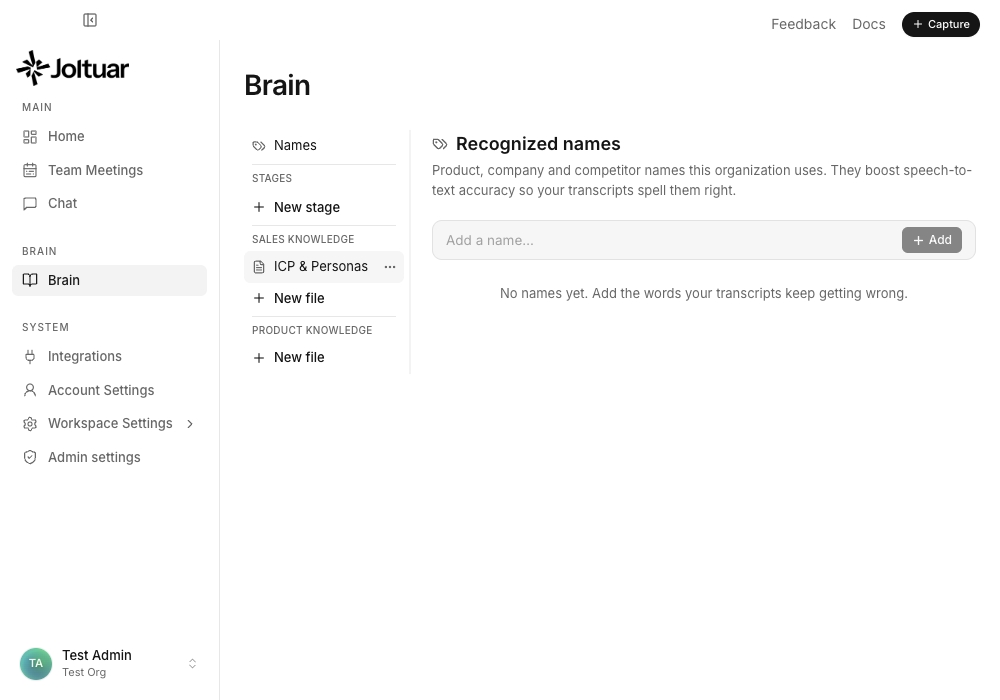
Click "Names" at the top of the Brain navigation. This is your workspace's list of words the transcription should always get right.
3. Add a product name
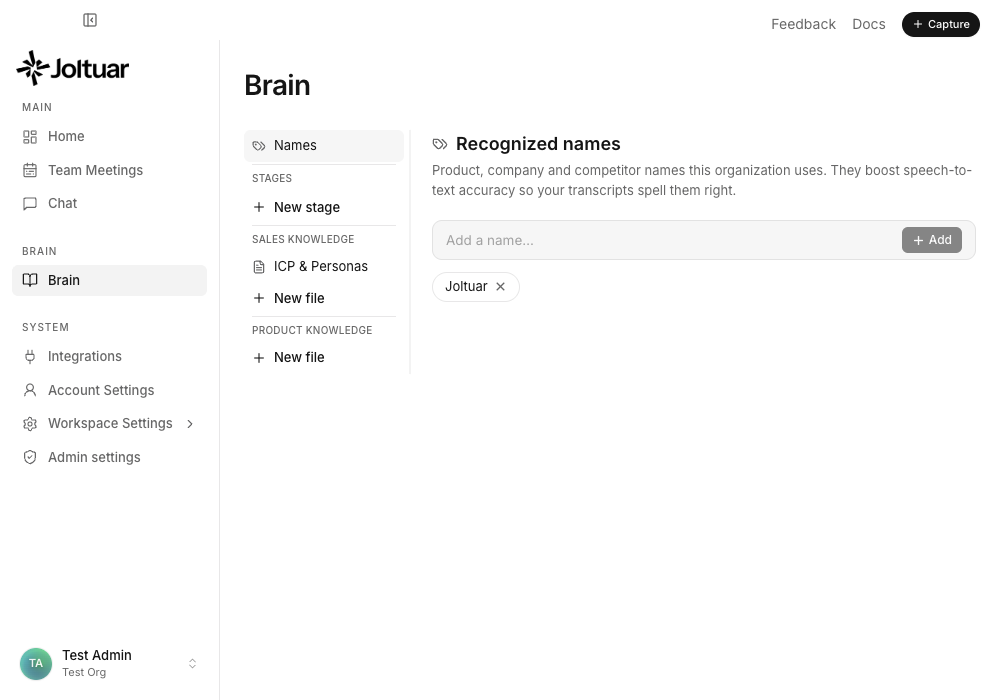
Type a name and press Add. It appears as a chip — from now on the transcription engine is told to expect this word.
4. Add a competitor name
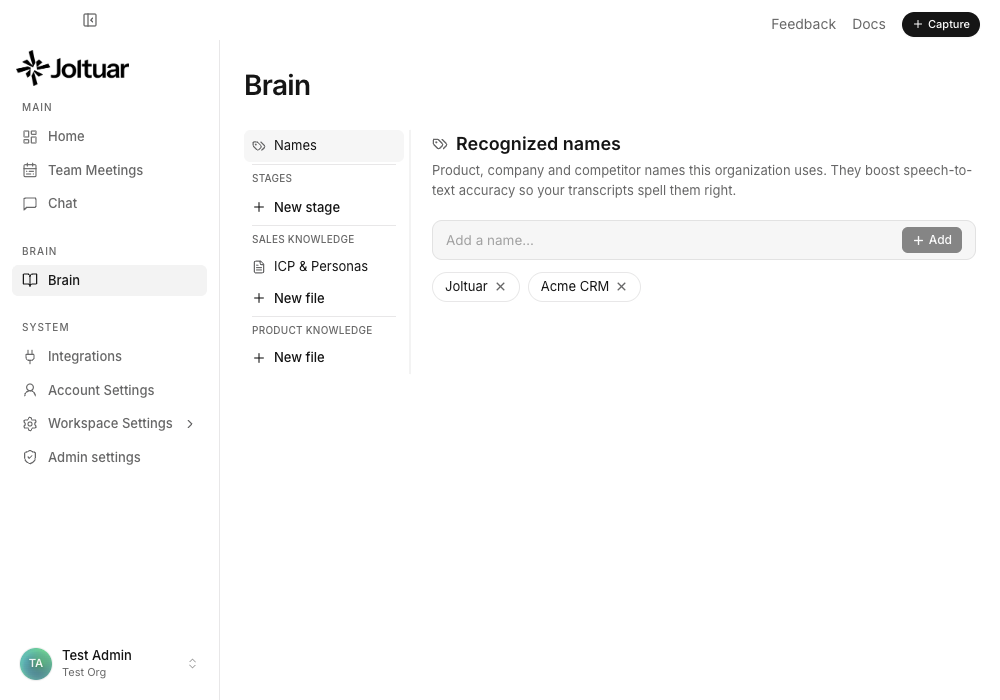
Add as many as you like — product names, company names, competitors, anything your calls keep getting wrong. Remove one any time with the × on its chip. The list works in both the desktop app and browser meetings.