
Appearance
Ask the Assistant
The Assistant answers questions about your own meetings, transcripts and playbooks. It reads your data with tools first and then writes the answer, so every reply is grounded in calls you actually had — and it shows you which ones it used.
Steps
1. Open the Assistant
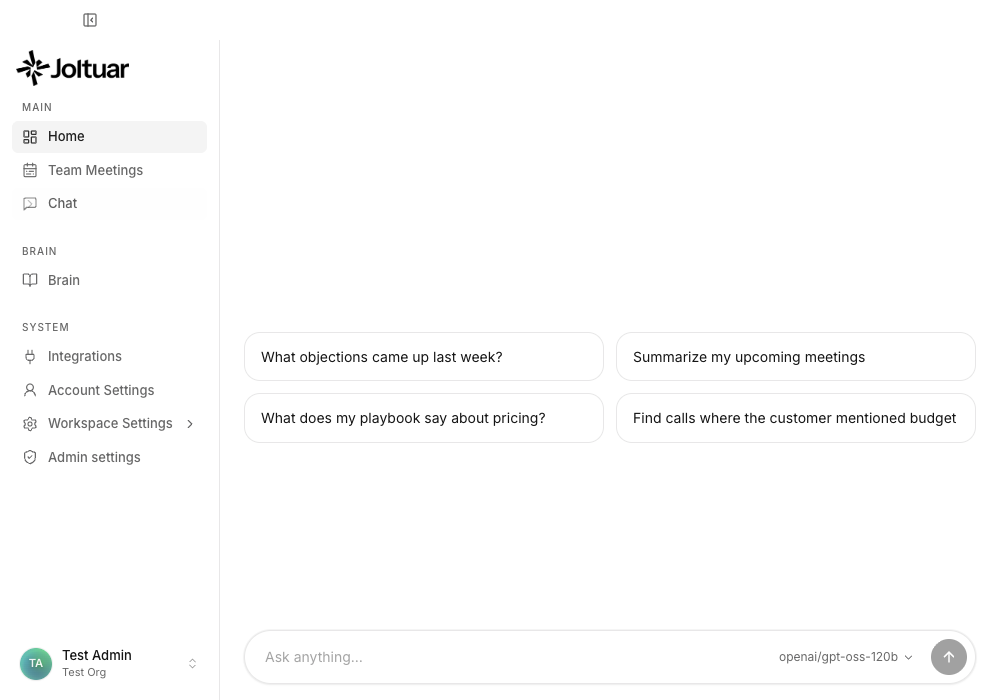
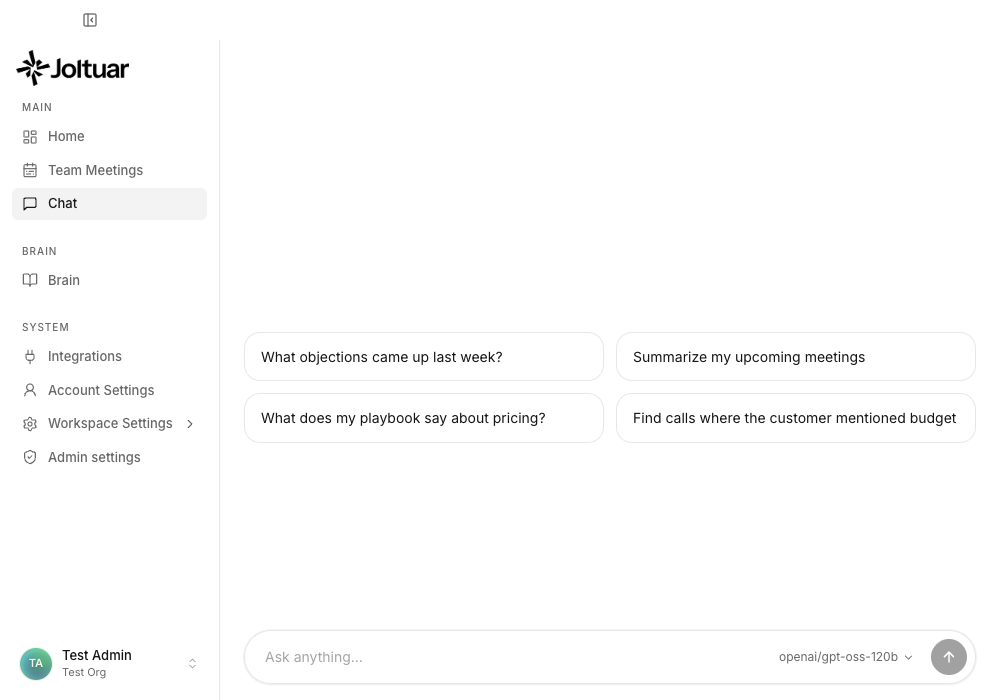
Chat in the sidebar opens the Assistant. It always starts a new conversation — the suggested prompts underneath the greeting are a good first question.
2. Ask a question
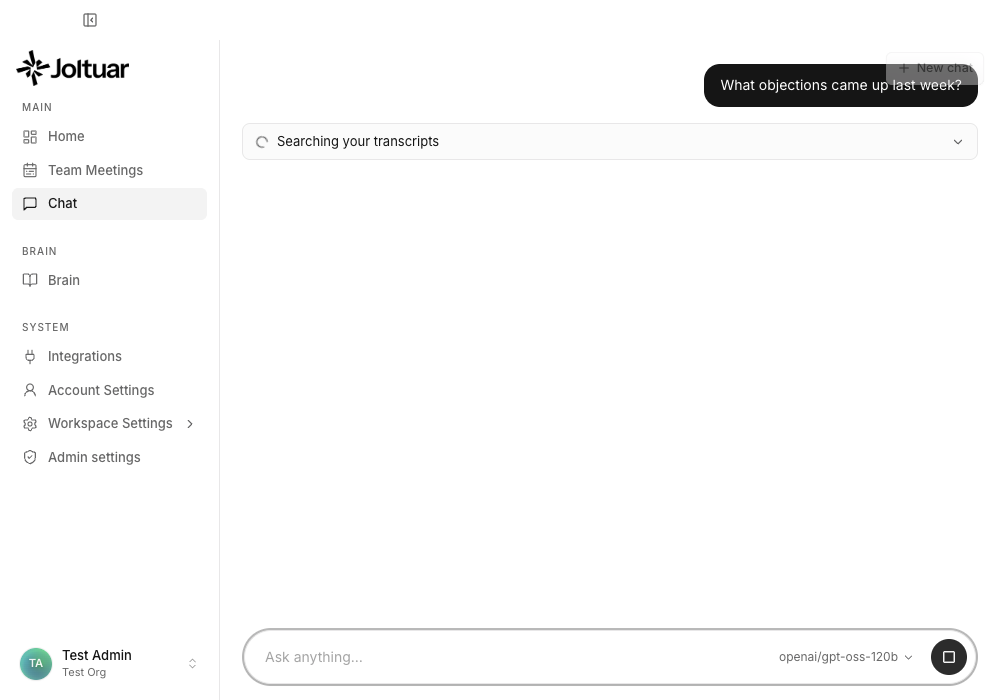
Type the question and send it. The assistant searches your transcripts first — the card above the answer shows what it is doing while it works.
3. Read the streamed answer
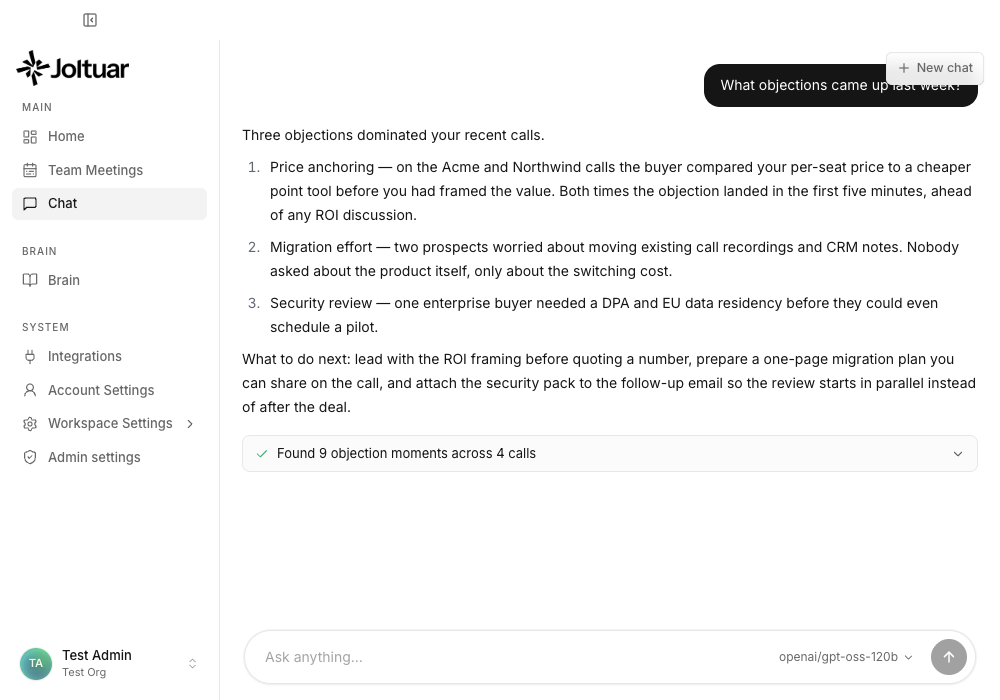
The answer streams in word by word. It ends with concrete next steps, not just a summary — the composer unlocks again as soon as the turn finishes.
4. See which calls the answer came from
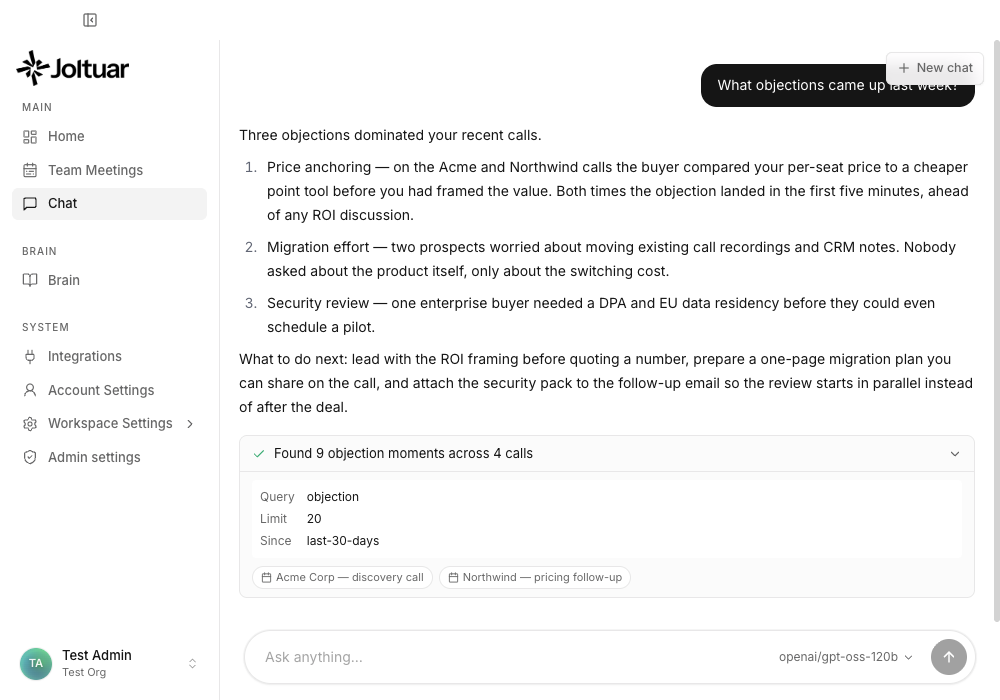
Open the tool card to see exactly what was searched and which meetings the answer came from. Each chip opens that meeting.
5. Start a fresh conversation
"New chat" clears the pane for an unrelated question. Nothing is lost — the finished conversation is saved to your chat history.