
Appearance
Starting an assisted call from the Coming up list
This guide shows how to start the assistant directly from a meeting already listed in "Coming up" — hover a row to reveal its actions, click Start, and the session keeps the meeting's own name instead of a generic one.
Steps
1. Add an upcoming meeting
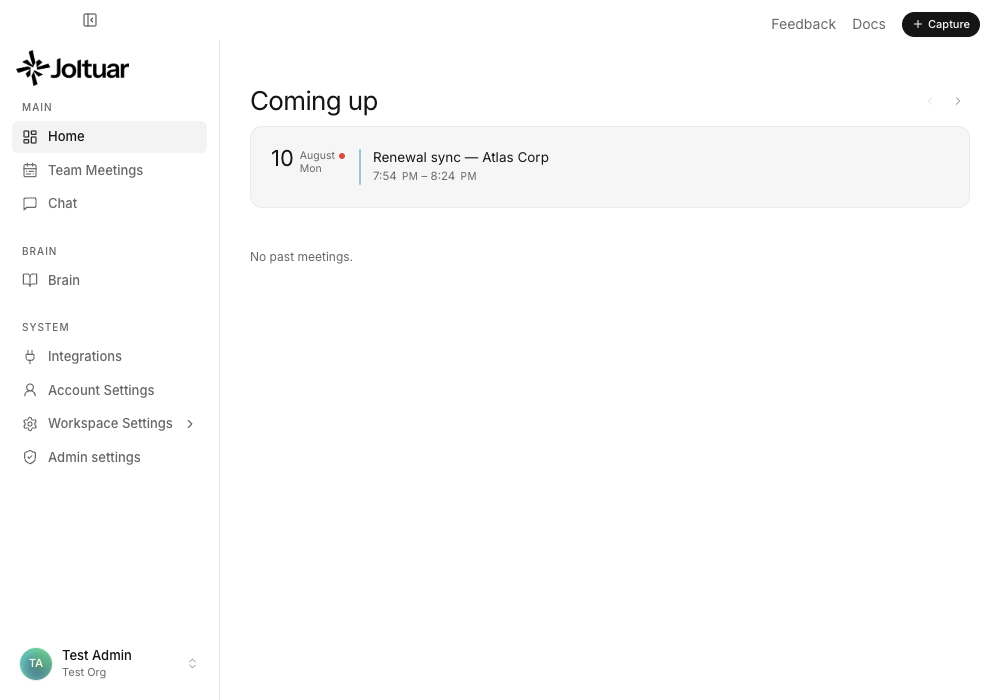
Give the meeting a name and paste its link — it lands in "Coming up" right away.
2. Hover the row to reveal Start
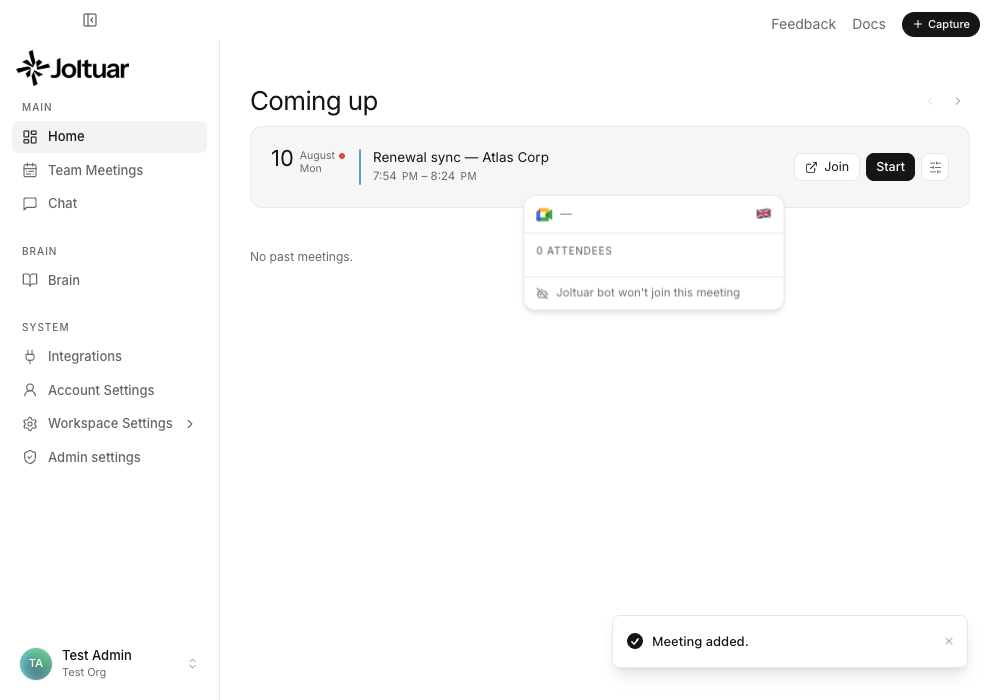
In the "Coming up" list, hover a meeting row to reveal its actions — Start begins an assisted call on that meeting.
3. The assistant starts on the scheduled meeting
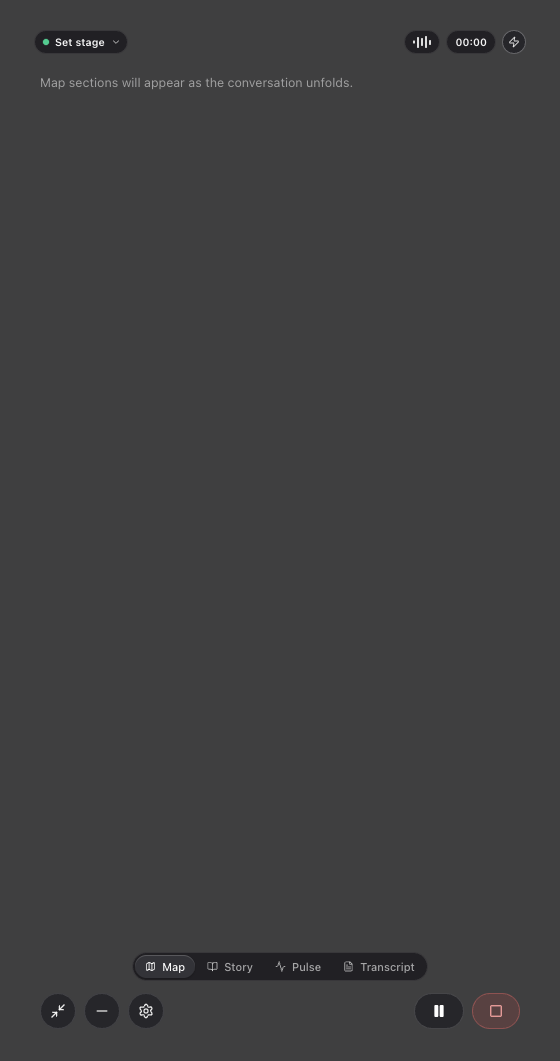
The compact prompter opens directly — no need to re-enter the meeting details.
4. The meeting keeps its own name
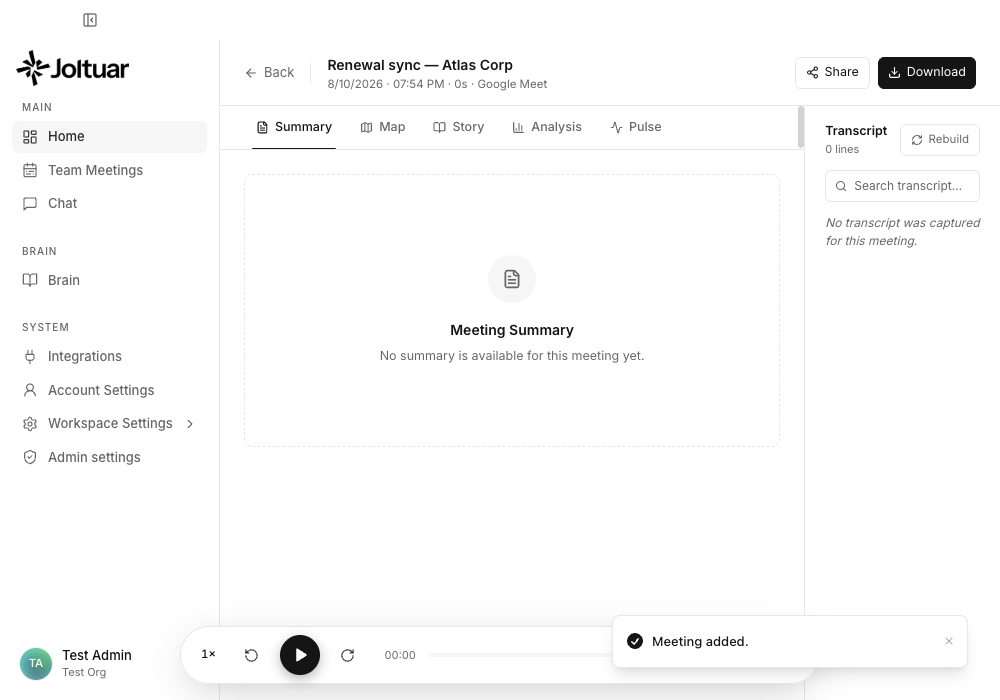
After the call, the summary still shows the name you gave the meeting — not a generic placeholder.