
Appearance
Choosing AI models per task
This guide shows where in Account Settings you can pick which AI model handles each part of the assist (Map/Story/Pulse points, hints) and when to leave the Auto option.
Recording
Steps
1. Open Account Settings
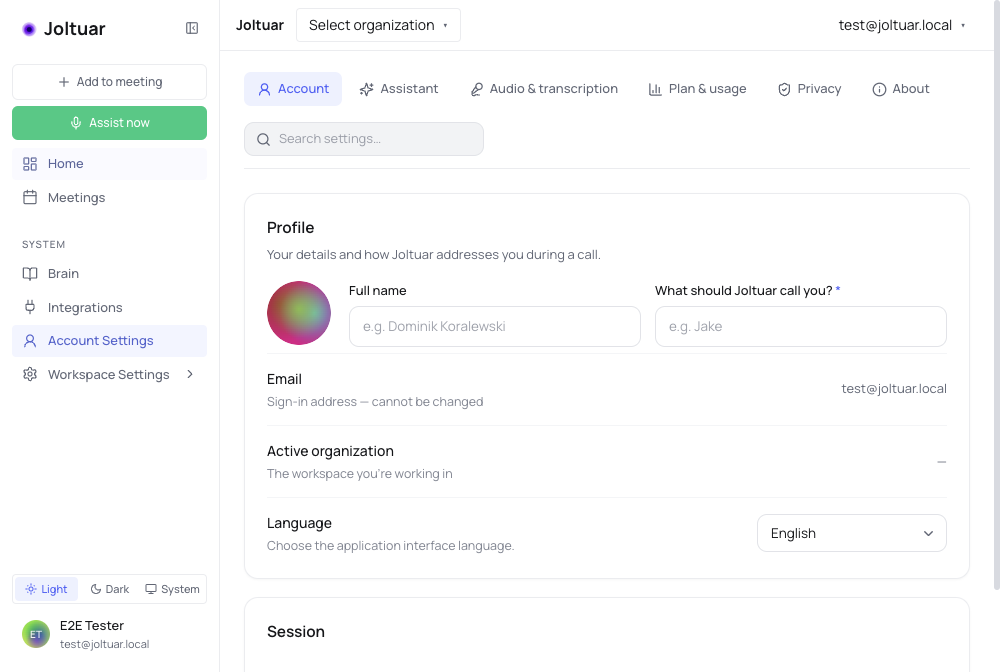
In the sidebar, click "Account Settings". They open in a tabbed layout.
2. Open the Assistant tab
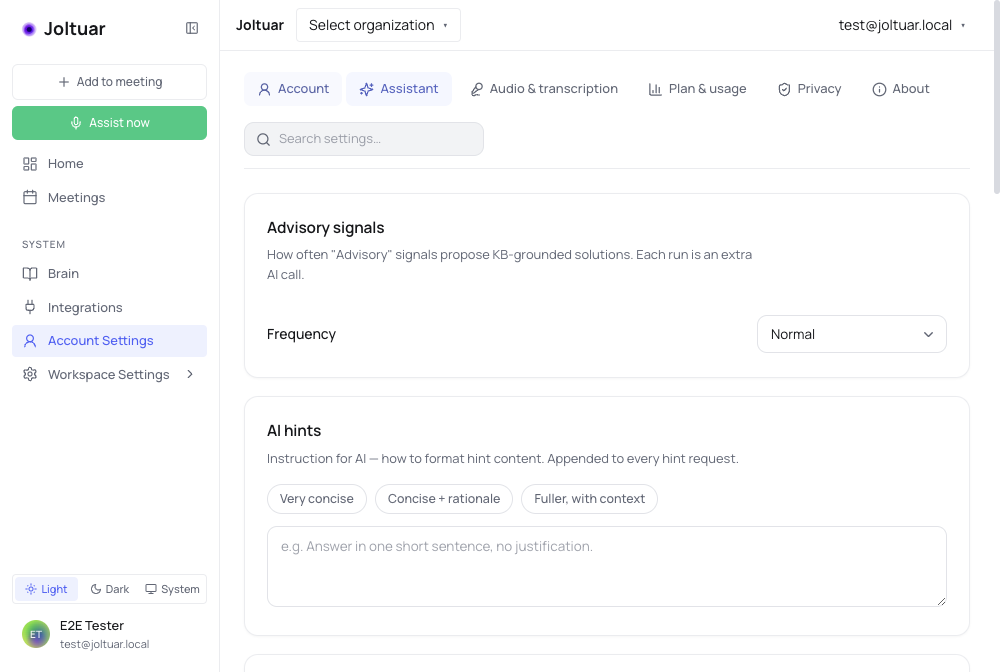
AI models — including the per-task picker — live under the "Assistant" tab.
3. AI models per task section
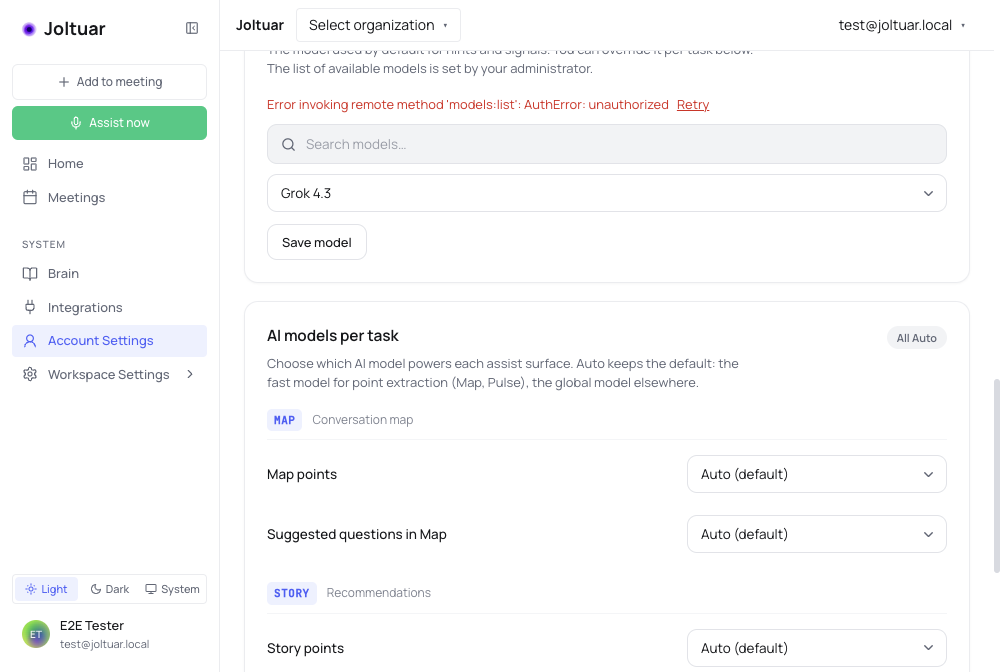
Assist tasks are grouped by session element (MAP, STORY, PULSE). Each has its own model picker — "Auto (default)" keeps the model chosen by the app: a fast one for point extraction, the global one for the rest.